Click to download now, finish the installation quickly, and directly unlock the all-round experience
Screenshots
Click to download now, finish the installation quickly, and directly unlock the all-round experience
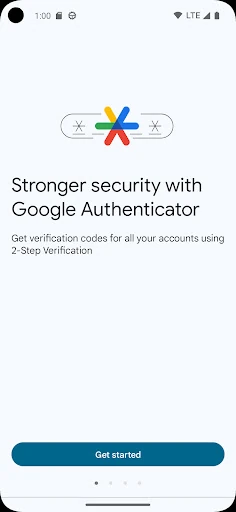
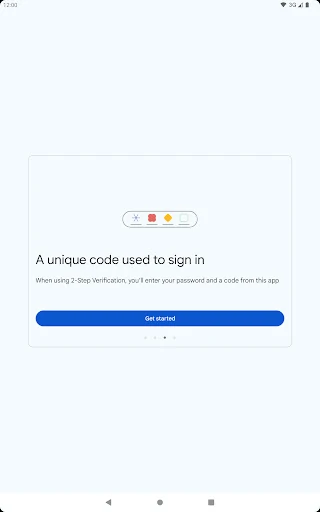
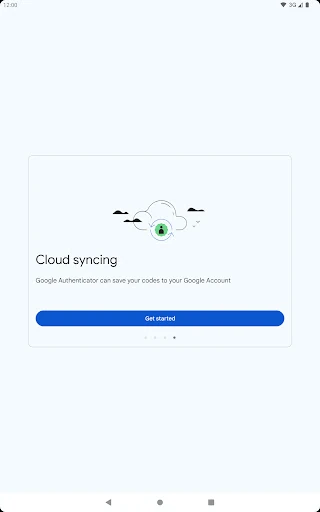
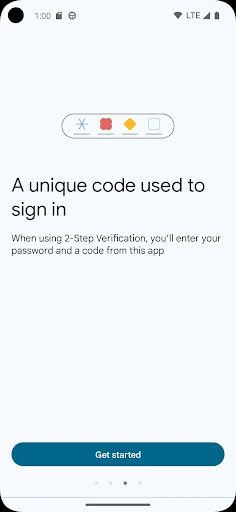
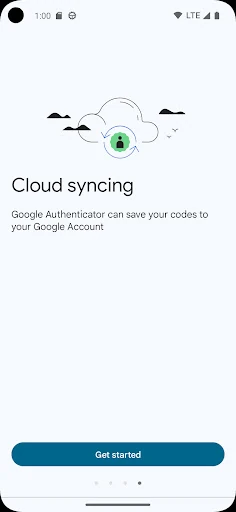
Google Authenticator serves as a foundational pillar in the digital security Tools landscape. By providing a streamlined, standardized implementation of Time-based One-Time Password (TOTP) technology, it effectively mitigates the risks associated with password theft and credential stuffing. As an essential utility for anyone navigating the modern web, it offers a high-trust environment backed by Google's infrastructure, recently evolving from a strictly local storage model to a more flexible, cloud-synced solution that addresses the historical pain point of account recovery.
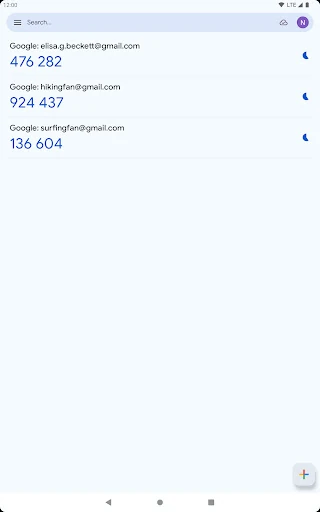
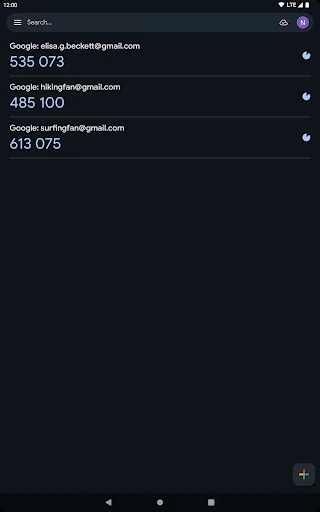
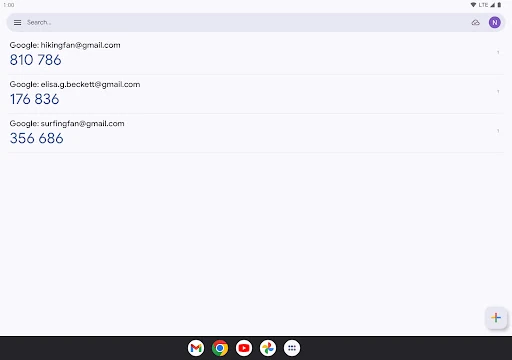
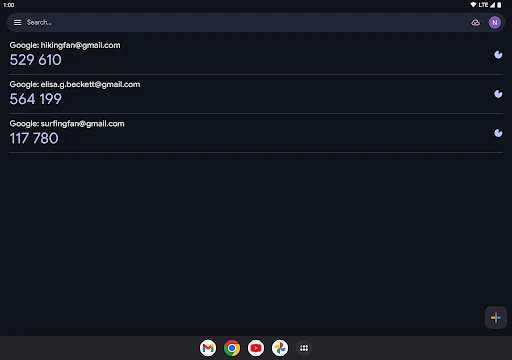
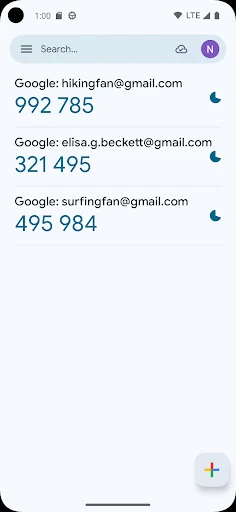
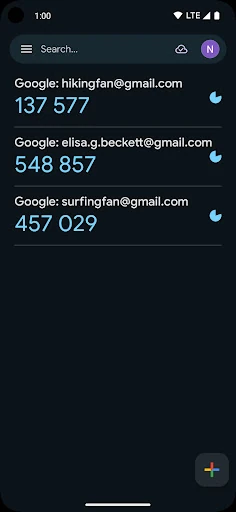
The interface follows a minimalist philosophy characteristic of the Tools category. The UI is built on Google’s Material Design principles, prioritizing legibility and speed. Large, clear fonts ensure that the six-digit codes are easily readable at a glance, while the circular countdown timer provides a precise visual cue for code expiration. The interaction model is low-friction, focusing on the core task of retrieving a code with as few taps as possible, though the lack of advanced organization features like folders can lead to a cluttered list for power users with dozens of accounts.
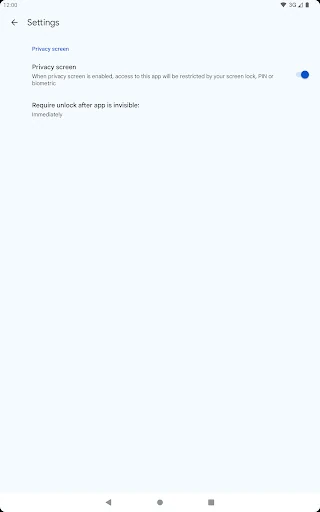
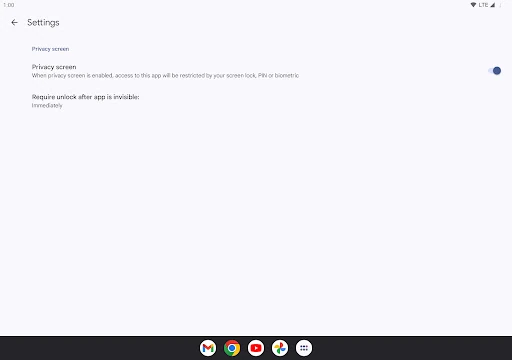
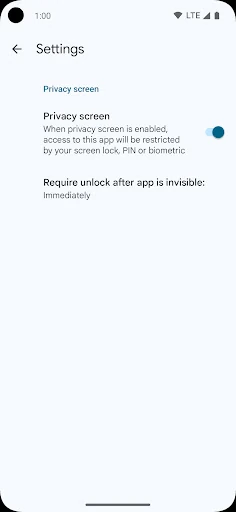
The most critical update needed is the implementation of a mandatory biometric or PIN-based "App Lock" screen. Currently, if a device is stolen while unlocked, the security codes are fully exposed. Additionally, adding a search bar or the ability to create folders would significantly improve the UX for professionals who manage a high volume of secured accounts. Finally, offering an "Incognito Mode" that hides codes until a user taps on a specific account would add an extra layer of visual privacy.
Google Authenticator is the "gold standard" for general users and those deeply embedded in the Google ecosystem who require a reliable, no-frills security tool. It is perfectly suited for individuals who prioritize ease of use and brand trust over advanced organizational features. While power users might seek out third-party alternatives for more granular control, Google Authenticator remains the most accessible and dependable recommendation for the vast majority of the online population.